MS Paint hsa gotten a major facelift on Windows 7. Although still aimed at basic painting needs, the updates to the interface is a clear improvement from the older Vista and XP versions. Below is screenshot of MS Paint in Windows 7:

As you can see, all of the tools and buttons are neatly positioned at the upper part of the window. This is consistent with what we have seen on Office 2007’s Ribbon interface wherein the grouped controls are positioned on the header and not on the side. Compare the new version with the Vista version below:
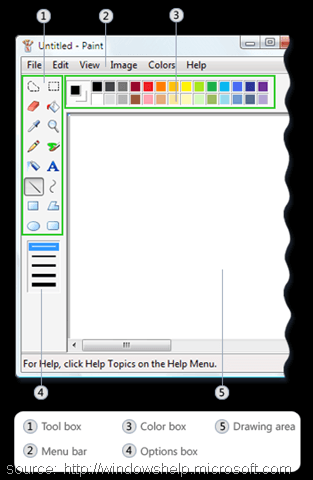
And of course we all remember the old but reliable XP version:
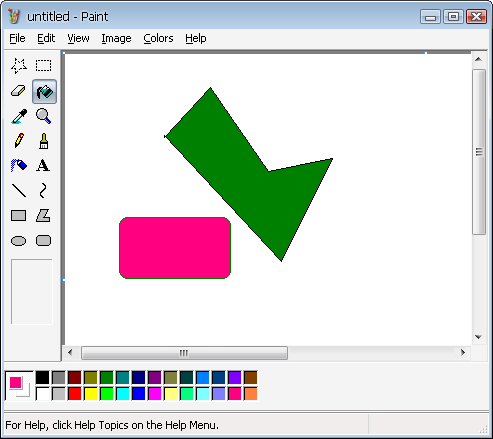
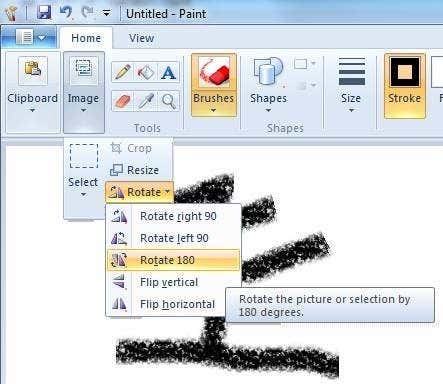
The image menu had been restructured to handle image selection, cropping, resizing and rotation:
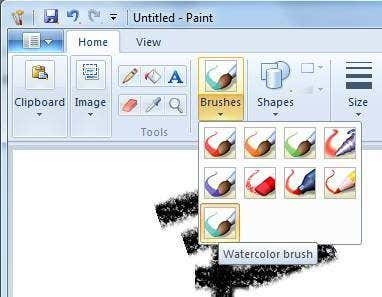
Brush stroke types now have more better and exciting choices:
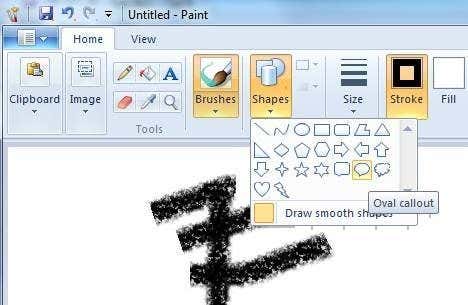
More shape selections are available too:
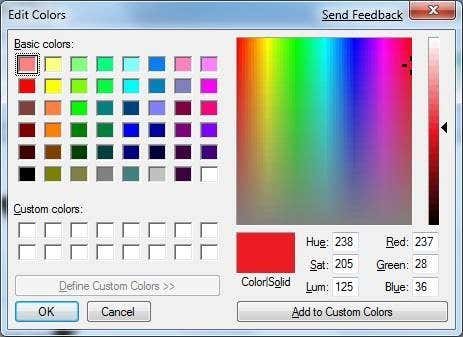
The effective colors palette did not change:
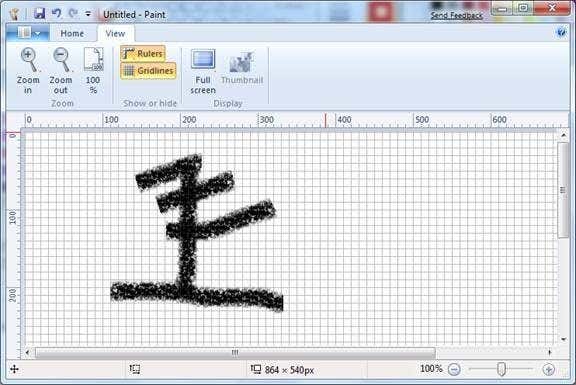
You can use the view rulers and gridlines capability to guide you in drawing:
The more organized Ribbon interface is a major improvement. Not only does it look better, it is easier to use too. MS Paint users who are used to the old versions will not have a hard time adjusting to the new Windows 7 version.
An in depth comparison of the MS Paint versions are located here:
http://en.wikipedia.org/wiki/Ms_Paint#Version_comparison
Make sure to subscribe to our RSS feeds to get more updates on the upcoming Windows 7 OS.

 0 Comments